From Static to Dynamic: Adding Motion to Still Outputs
Learn techniques for transforming static AI-generated images into dynamic, motion-rich content for enhanced engagement and storytelling impact.
Table of Contents
- Introduction
- Motion Principles
- Techniques Overview
- Camera Movement
- Subject Animation
- Environmental Effects
- AI Integration
- Workflow Optimization
- Conclusion
Introduction
The transformation from static images to dynamic, motion-rich content represents one of the most powerful techniques in modern visual storytelling. While static images can be compelling, adding motion creates an entirely new dimension of engagement, allowing creators to guide viewer attention, build emotional connection, and tell more complex stories. This comprehensive guide explores the techniques and strategies for bringing static AI-generated images to life through thoughtful motion design.
With AI tools like AnyAngle.ai generating multiple camera angles from single reference images, creators now have access to a wealth of static content that can be transformed into dynamic sequences. The key lies in understanding how to add motion that enhances rather than distracts from the original image, creating content that feels natural and purposeful rather than gimmicky or artificial.
This guide covers everything from basic motion principles to advanced techniques, providing you with the knowledge and tools needed to create compelling motion graphics from static AI-generated content. Whether you're creating social media content, commercial videos, or artistic pieces, these techniques will help you maximize the impact of your visual storytelling.
Motion Principles
Effective motion design is built on fundamental principles that govern how movement affects viewer perception and engagement. Understanding these principles is crucial for creating motion that enhances rather than detracts from your content.
The 12 Principles of Animation
Adding flexibility to objects to make them feel more alive and dynamic, even in subtle ways.
Preparing the audience for an action by showing the setup before the main movement occurs.
Presenting an idea clearly by positioning elements to direct viewer attention effectively.
Creating natural movement by accelerating and decelerating rather than moving at constant speed.
Motion Psychology
Understanding how motion affects viewer psychology:
- Attention Direction: Motion naturally draws the eye and guides viewer attention
- Emotional Response: Different types of motion evoke different emotional responses
- Pacing Control: Motion speed affects the perceived pace and energy of content
- Narrative Progression: Motion can advance story and create narrative flow
Techniques Overview
There are numerous techniques for adding motion to static images, each with its own strengths and applications. The key is choosing the right technique for your specific content and goals.
Primary Motion Techniques
Motion Categories
- Camera Movement: Pan, tilt, zoom, and dolly movements that simulate camera motion
- Subject Animation: Moving elements within the image to create life and energy
- Environmental Effects: Adding atmospheric and environmental motion elements
- Transformation Effects: Morphing, scaling, and other transformative movements
- Particle Systems: Adding floating particles, dust, or other dynamic elements
Tool Categories
Different tools excel at different types of motion:
- Video Editing Software: After Effects, DaVinci Resolve, Premiere Pro for complex motion
- AI Motion Tools: Runway ML, Pika Labs for AI-generated motion
- Mobile Apps: CapCut, InShot for quick social media motion
- Web-Based Tools: Canva, Loom for accessible motion creation
Camera Movement
Camera movement is one of the most effective ways to add motion to static images. It creates the illusion of a moving camera, which can dramatically enhance the cinematic feel of your content.
Pan and Tilt Movements
Horizontal and vertical camera movements:
- Slow Pan: Gentle horizontal movement that reveals more of the scene
- Quick Pan: Fast horizontal movement that creates energy and excitement
- Vertical Tilt: Up and down movement that follows action or reveals elements
- Diagonal Movement: Combined pan and tilt for more complex motion
Zoom and Scale Effects
Zoom effects can create powerful emotional impact:
- Zoom In: Drawing attention to specific details or creating intimacy
- Zoom Out: Revealing context or creating a sense of scale
- Ken Burns Effect: Combining zoom with pan for documentary-style motion
- Parallax Zoom: Different zoom speeds for foreground and background elements
3D Camera Movement
Advanced camera movements that create depth:
- Dolly Movement: Forward and backward camera movement
- Orbital Movement: Circular camera movement around a subject
- Fly-Through: Camera movement that travels through the scene
- Multi-Axis Movement: Complex movements combining multiple axes
Subject Animation
Animating subjects within static images brings them to life and creates engaging, dynamic content. This technique works particularly well with AI-generated images where you have multiple angles to work with.
Character Animation
Subtle facial movements like blinking, smiling, or expression changes that add life to portraits.
Gentle body movements like breathing, swaying, or gesturing that create natural motion.
Adding wind effects to hair and clothing for more dynamic and realistic movement.
Subtle eye movements that create the illusion of life and attention.
Object Animation
Animating objects within the scene:
- Floating Elements: Making objects appear to float or hover
- Rotation Effects: Spinning or rotating objects for dynamic interest
- Scale Changes: Growing or shrinking objects to create emphasis
- Position Shifts: Moving objects to different positions in the frame
Environmental Effects
Environmental effects add atmosphere and mood to static images, creating immersive experiences that draw viewers into the scene. These effects can range from subtle to dramatic, depending on your creative goals.
Atmospheric Effects
Environmental Motion Elements
- Particle Systems: Dust, snow, rain, or other floating particles
- Light Effects: Moving light rays, lens flares, or atmospheric lighting
- Weather Elements: Wind effects on vegetation, water movement, cloud motion
- Depth Effects: Parallax movement between foreground and background
- Color Grading: Dynamic color changes that create mood and atmosphere
Lighting Animation
Dynamic lighting can transform static images:
- Day-to-Night Transitions: Changing lighting conditions over time
- Moving Shadows: Shadows that shift and change with time
- Color Temperature Shifts: Warm to cool lighting transitions
- Spotlight Effects: Moving spotlights that highlight different areas
AI Integration
AI tools are revolutionizing the process of adding motion to static images. From automated motion generation to intelligent scene analysis, AI is making it easier than ever to create professional-quality motion graphics from static content.
AI Motion Generation
AI tools can automatically generate motion from static images:
- Runway ML: AI-powered motion generation with various style options
- Pika Labs: Text-to-video and image-to-video generation
- Stable Video Diffusion: Open-source motion generation from static images
- LeiaPix: 3D depth and motion effects for images
Multi-Angle Motion
Using AI-generated multiple angles for motion sequences:
- Angle Transitions: Smooth transitions between different camera angles
- Parallax Effects: Different motion speeds for different angles
- 3D Space Creation: Using multiple angles to create 3D movement
- Cinematic Sequences: Combining angles for film-like motion
Workflow Optimization
Efficient workflows are essential for creating consistent, high-quality motion content. The right workflow can significantly reduce production time while maintaining creative quality.
Pre-Production Planning
Plan your motion content effectively:
- Motion Storyboarding: Plan the motion sequence before production
- Asset Preparation: Prepare all necessary assets and resources
- Style Guidelines: Establish consistent motion style and parameters
- Timeline Planning: Plan motion timing and pacing in advance
Production Efficiency
Streamline your motion production process:
- Template Usage: Create and reuse motion templates
- Batch Processing: Process multiple images with similar motion effects
- Quality Control: Implement quality control checkpoints
- Version Management: Manage different versions and iterations
Conclusion
Adding motion to static images is a powerful technique that can transform your visual content and significantly increase engagement. By understanding the principles of motion design and leveraging the right tools and techniques, you can create compelling, dynamic content that stands out in today's crowded media landscape.
AI tools like AnyAngle.ai, combined with effective motion techniques, enable creators to produce professional-quality content that would have been impossible or prohibitively expensive just a few years ago. The key to success lies in understanding your audience, choosing the right techniques for your content, and maintaining consistency in your motion design approach.
As technology continues to evolve, the possibilities for motion graphics and dynamic content will only expand. By mastering these techniques today, you're positioning yourself at the forefront of the evolving content creation landscape, ready to take advantage of new tools and opportunities as they emerge.
Ready to Add Motion to Your Content?
Start creating dynamic content with AnyAngle.ai and professional motion techniques.
Related Articles
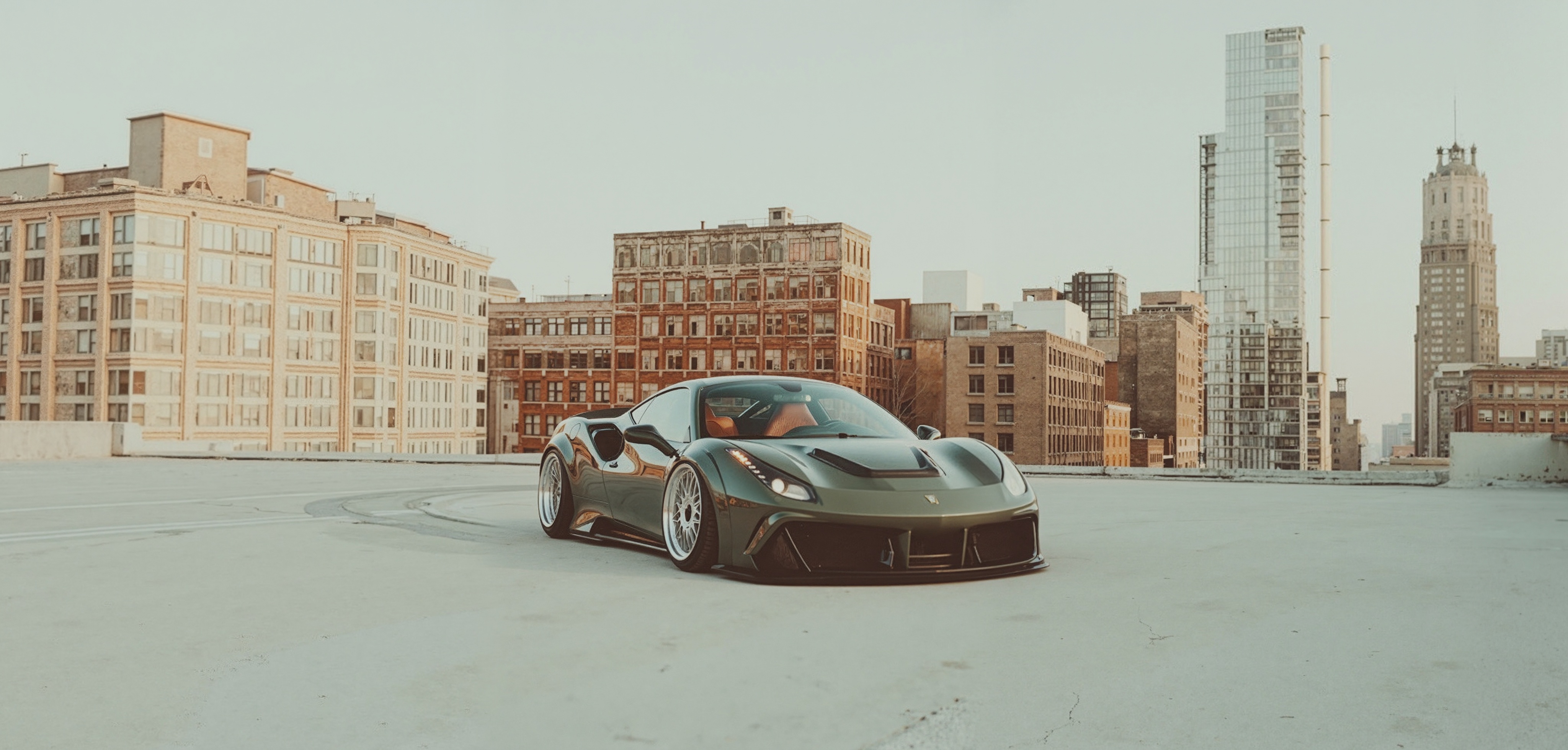
Learn how to transform a single image into compelling cinematic sequences using AI-powered multi-angle generation.
Master the art of creating compelling vertical content and social-first storytelling for modern platforms.
Explore the cutting-edge technology of generative camera trajectories and their potential to revolutionize dynamic shot planning.