Color Grading Across Generated Angles: Maintaining Visual Cohesion
Learn advanced color grading techniques to maintain visual consistency across AI-generated multi-angle content. Master the art of cohesive color grading for professional results.
Table of Contents
- Introduction
- Color Grading Fundamentals
- Consistency Strategies
- AI-Specific Techniques
- Workflow Optimization
- Advanced Techniques
- Conclusion
Introduction
Color grading is one of the most critical aspects of creating professional-quality AI-generated content. When working with multiple angles generated by tools like AnyAngle.ai, maintaining visual cohesion through consistent color grading becomes essential for creating seamless, professional-looking content that doesn't break the viewer's immersion.
The challenge with AI-generated angles lies in ensuring that each generated viewpoint maintains the same color palette, mood, and visual style as the original reference image. This requires not only technical expertise in color grading but also an understanding of how AI systems process and reproduce color information.
This comprehensive guide explores the techniques and strategies needed to achieve consistent, professional color grading across AI-generated multi-angle content. Whether you're working on commercial projects, social media content, or artistic pieces, these color grading principles will help you create visually cohesive content that meets professional standards.
Color Grading Fundamentals
Understanding the fundamental principles of color grading is essential for creating consistent, professional-looking content. These principles form the foundation for all color grading work, whether working with traditional footage or AI-generated angles.
Color Theory Basics
Understanding HSL values is crucial for consistent color grading across multiple angles and maintaining visual harmony.
Maintaining consistent color temperature across all angles ensures visual coherence and prevents jarring color shifts.
Balancing contrast and brightness across all angles creates depth and dimension while maintaining visual consistency.
Creating harmonious color relationships across all angles enhances the overall visual impact and professional appearance.
Primary Color Grading Tools
Essential tools for professional color grading:
- Color Wheels: Primary tool for adjusting hue, saturation, and luminance
- Curves: Precise control over contrast and color relationships
- Scopes: Waveform, vectorscope, and histogram for technical analysis
- LUTs: Look-up tables for consistent color grading across projects
Consistency Strategies
Maintaining color consistency across AI-generated angles requires careful planning and execution. These strategies will help you achieve cohesive color grading that enhances rather than detracts from your content.
Reference-Based Grading
Consistent Color Grading Workflow
- Reference Image Analysis: Analyze the color characteristics of your reference image
- Color Palette Extraction: Extract the dominant colors and create a consistent palette
- Grading Template Creation: Create a grading template based on the reference image
- Batch Application: Apply the same grading settings to all generated angles
- Fine-Tuning: Make individual adjustments while maintaining overall consistency
Color Matching Techniques
Techniques for matching colors across different angles:
- Skin Tone Matching: Ensure consistent skin tone representation across all angles
- Environmental Colors: Match environmental colors and lighting conditions
- Object Colors: Maintain consistent object colors and material properties
- Background Elements: Ensure background elements maintain consistent color characteristics
Mood and Atmosphere
Maintain consistent mood and atmosphere across all angles:
- Color Temperature: Use consistent color temperature to maintain mood
- Saturation Levels: Maintain consistent saturation levels for atmospheric consistency
- Contrast Ratios: Use consistent contrast ratios to maintain visual impact
- Color Harmony: Ensure harmonious color relationships across all angles
AI-Specific Techniques
Working with AI-generated content requires specific color grading techniques that account for how AI systems process and reproduce color information. Understanding these techniques will help you achieve better results with AI-generated angles.
Pre-Processing Optimization
Optimize your reference images for better AI color reproduction:
- Color Accuracy: Ensure accurate color representation in reference images
- Contrast Optimization: Optimize contrast for better AI color understanding
- White Balance: Use consistent white balance across all reference images
- Exposure Consistency: Maintain consistent exposure levels for color accuracy
Post-Processing Enhancement
Enhance AI-generated angles with post-processing:
- Color Correction: Apply consistent color correction to all generated angles
- Contrast Enhancement: Enhance contrast while maintaining color accuracy
- Saturation Adjustment: Fine-tune saturation levels for optimal visual impact
- Color Grading: Apply creative color grading while maintaining consistency
Quality Control
Implement quality control measures for AI-generated content:
- Color Consistency Checks: Regularly check for color consistency across all angles
- Technical Analysis: Use scopes and technical tools to analyze color accuracy
- Visual Assessment: Conduct visual assessments to ensure professional quality
- Iterative Refinement: Continuously refine color grading based on results
Workflow Optimization
Efficient color grading workflows are essential for maintaining consistency across AI-generated content. The right workflow can significantly improve efficiency while maintaining quality standards.
Template-Based Workflow
Create and use color grading templates:
- Template Creation: Create color grading templates based on reference images
- Batch Processing: Apply templates to multiple angles simultaneously
- Customization: Customize templates for specific project requirements
- Reusability: Save templates for future use and consistency
Automation Tools
Use automation tools to improve efficiency:
- Color Matching: Use automated color matching tools for consistency
- Batch Processing: Process multiple angles with automated workflows
- Quality Control: Implement automated quality control measures
- Export Optimization: Optimize export settings for different platforms
Advanced Techniques
Advanced color grading techniques can elevate your AI-generated content to professional standards. These techniques require more sophisticated tools and expertise but can produce exceptional results.
Secondary Color Grading
Use secondary color grading for precise control:
- Color Isolation: Isolate specific colors for targeted adjustments
- Masking Techniques: Use masks to apply grading to specific areas
- Keying: Use keying techniques for precise color control
- Tracking: Track color adjustments across moving elements
Creative Color Grading
Apply creative color grading techniques:
- Color Theory Application: Apply color theory principles for creative impact
- Mood Enhancement: Use color grading to enhance mood and atmosphere
- Style Consistency: Maintain consistent style across all angles
- Brand Alignment: Ensure color grading aligns with brand guidelines
Conclusion
Mastering color grading for AI-generated content is essential for creating professional-quality, visually cohesive content. By understanding the fundamental principles of color grading and implementing the strategies outlined in this guide, you can create AI-generated content that meets professional standards and enhances your creative projects.
The key to success lies in careful planning, consistent execution, and ongoing quality control. By integrating these color grading techniques into your workflow and leveraging tools like AnyAngle.ai effectively, you can create content that rivals traditional production methods while maintaining the efficiency and cost-effectiveness that AI tools provide.
As AI technology continues to evolve, the possibilities for creative color grading and visual storytelling will only expand. By mastering these techniques today, you're positioning yourself at the forefront of the evolving content creation landscape, ready to take advantage of new tools and opportunities as they emerge.
Ready to Master Color Grading?
Start creating professional-quality AI-generated content with AnyAngle.ai and advanced color grading techniques.
Related Articles
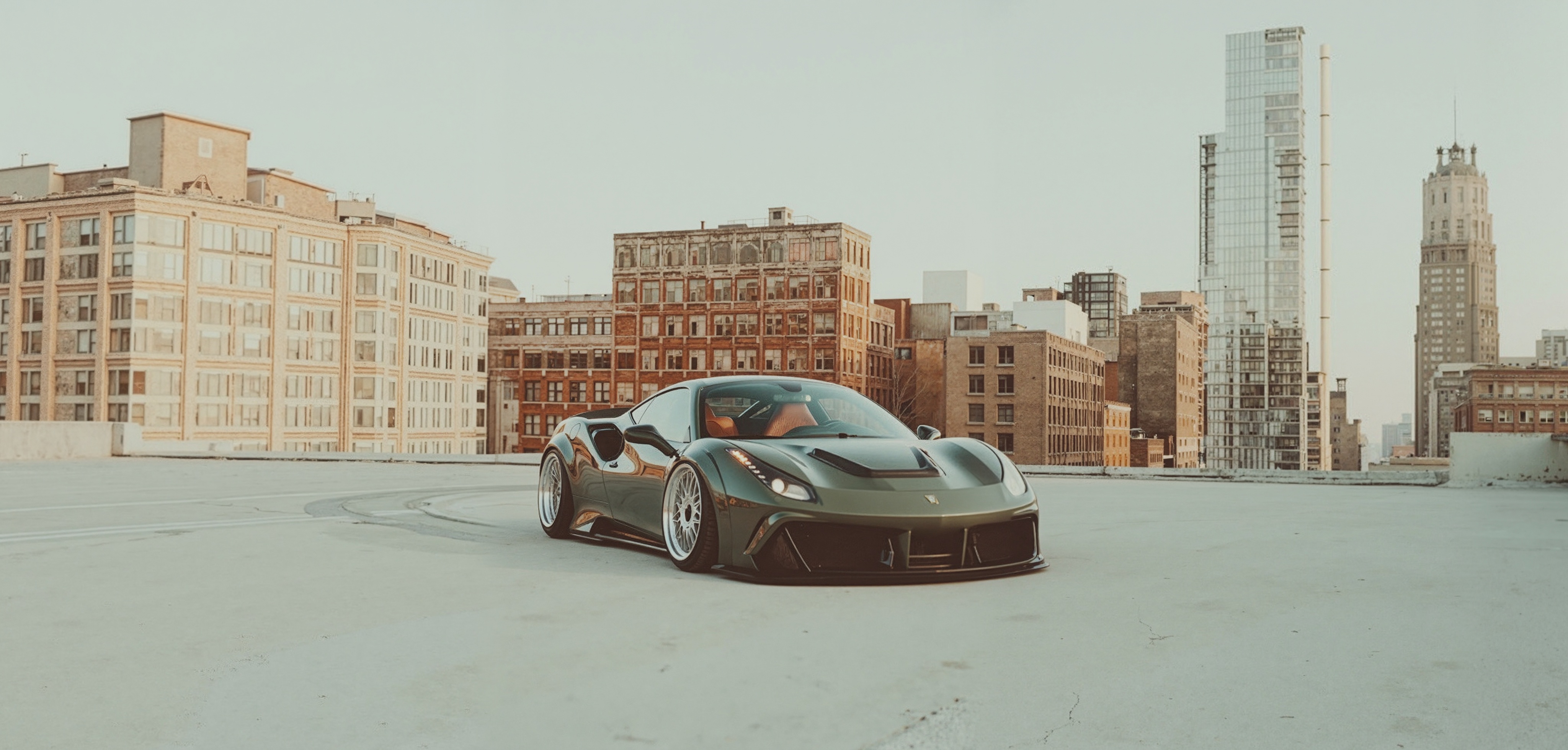
Master lighting techniques that ensure your AI-generated angles look professional and consistent with your original vision.
Master the art of maintaining visual and narrative continuity in multi-angle scenes for seamless editing and compelling storytelling.
Master the art of creating reference images that enable AI tools to generate more accurate and compelling multi-angle shots.